


Tourist information system
Client: a major telecommunications company
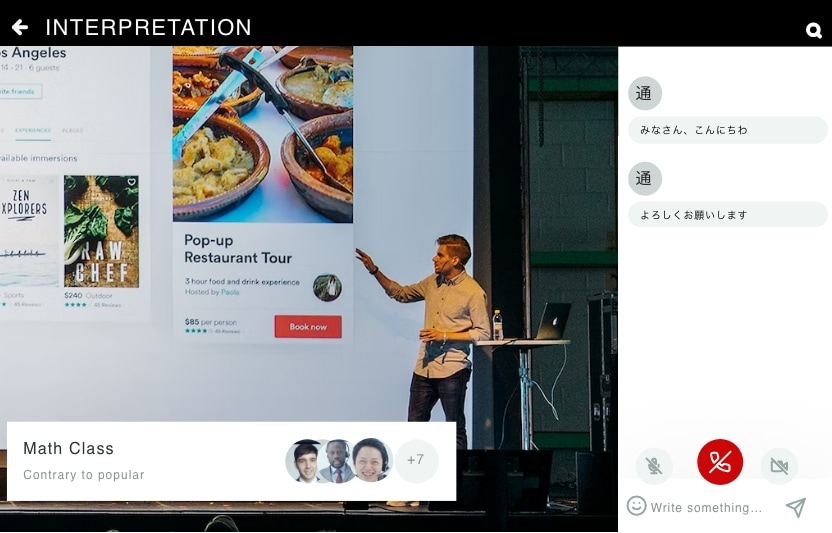
A personal tour guide, built as a smartphone app.
An app that plays the commentary at the main points of a tourist site.
Main features
- Receiving beacons
- Tourist commentary
- Playback and captions in 13 languages
Strong points
01
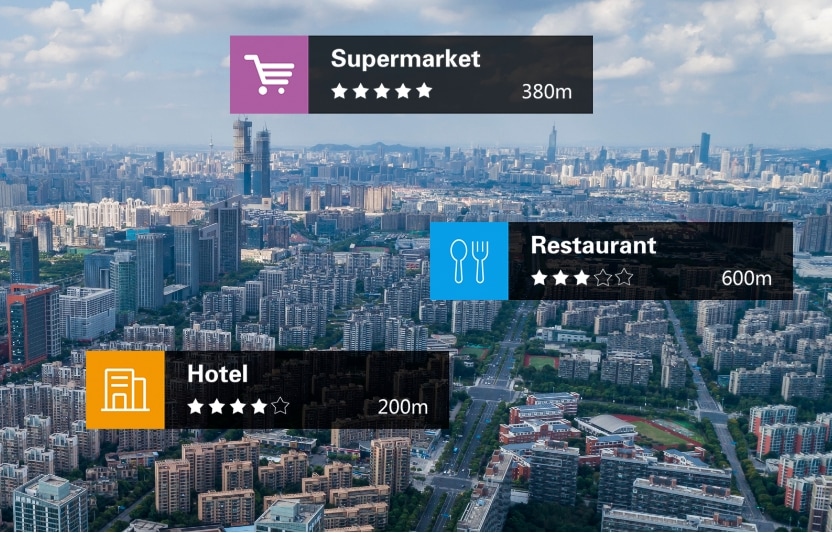
When the phone picks up a beacon placed somewhere on the site, the commentary for that spot plays and runs as a caption on screen
02
Captions and audio come in 13 languages
03
The commentary can be narrowed to the places or subjects that interest you
Cloud simultaneous translation system
Client: a major event planning company
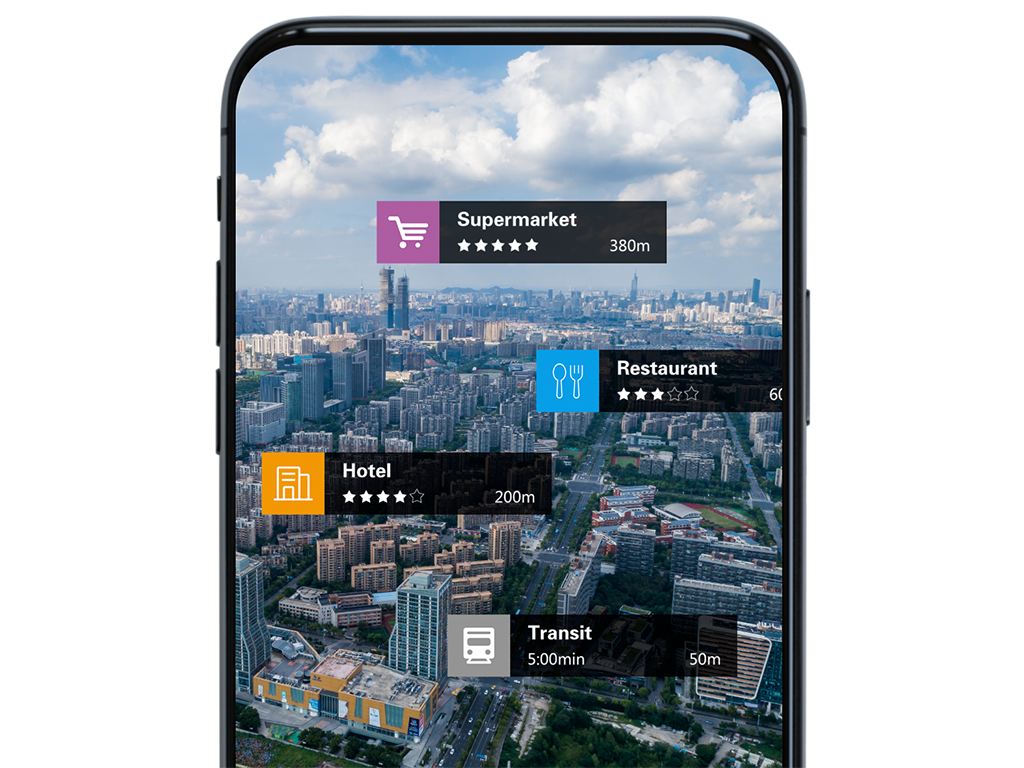
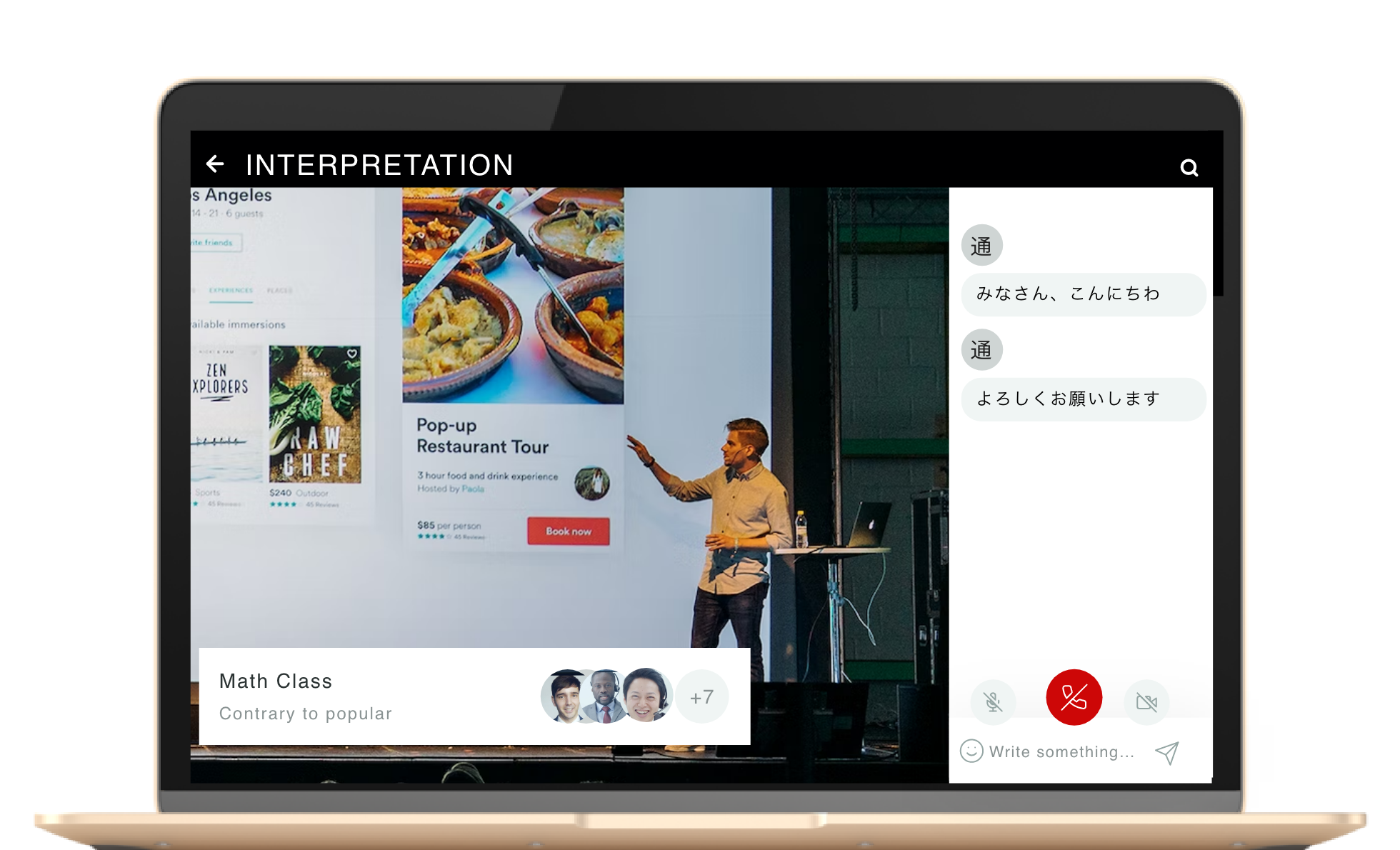
A system that translates a speaker at an event or a seminar into several languages and delivers it.
For deaf and hard-of-hearing audiences, the speech can also be converted to text and delivered.
Main features
- Choosing the interpreting language
- A talkback channel between interpreters
- Speech-to-text conversion
Strong points
01
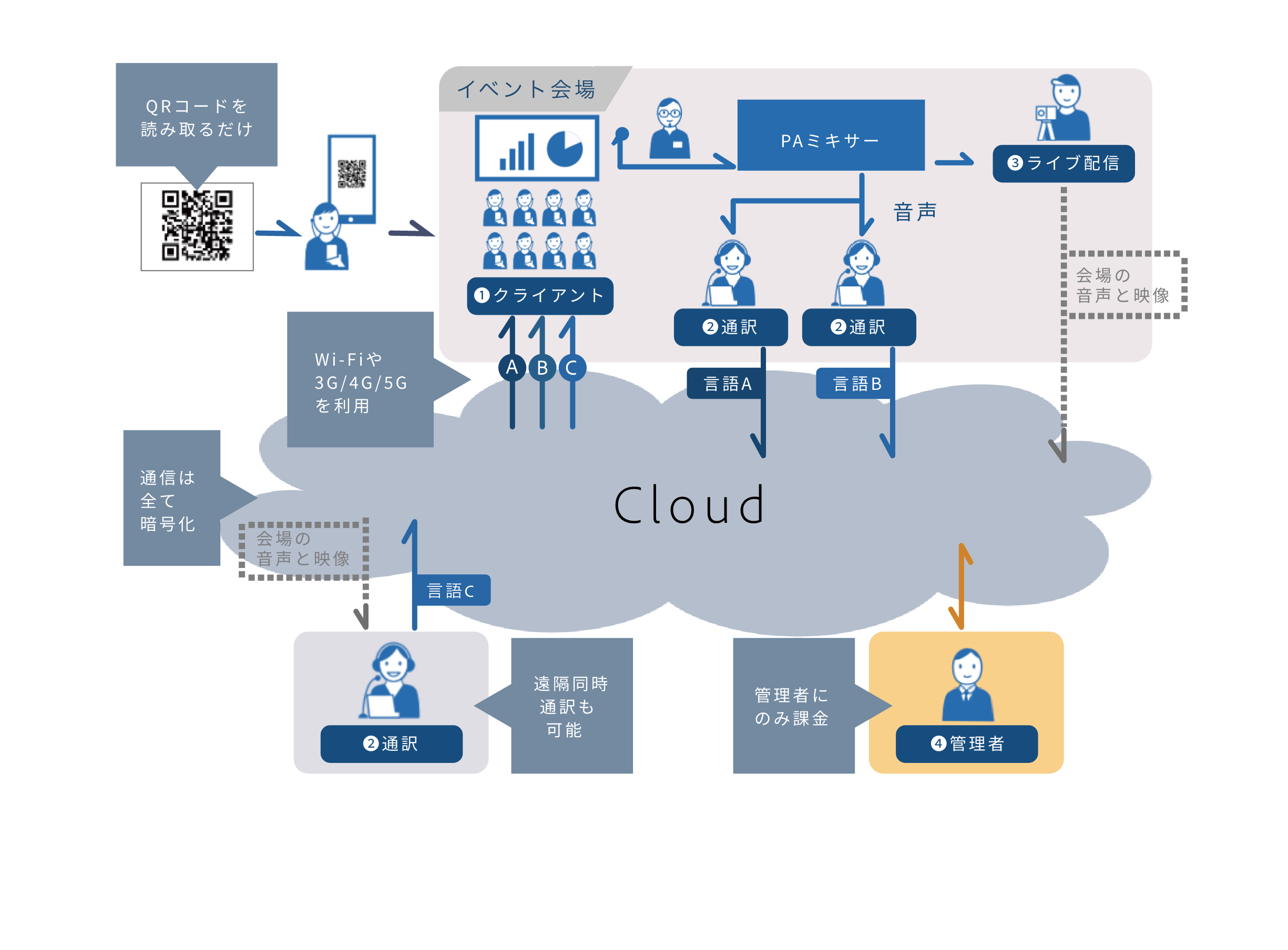
The audience only has to scan a QR code on site and open a web browser
02
Each listener chooses freely between the speaker and any of the translated feeds
03
There is no need to lend out playback equipment
04
Interpreters hand over roughly every 15 minutes, and even when the next one is in a different booth the audience hears no break
05
Everything the interpreters do - controls, talking to each other, messages - happens in the web browser, so they do not need to be on site
System configuration
IP intercom smartphone app
Client: a major retailer
An intercom, walkie-talkie and IP radio app that turns a smartphone into a two-way radio.
Main features
- Voice call, choosing who to call
- Voice call, group call
- Loopback
- Auto answer
- Joining a group call
- User management and sign-in
Strong points
01
Choose who to call, one to one or many to many at once
02
Talk to everyone in a group at once
03
Works on a PC, an Android phone and an Android tablet
04
Supports several tenants and several groups
05
Users are managed per tenant
06
Using the WebRTC protocol keeps latency low and sound quality high
07
A wide range of features, suited to work and personal use alike
Operator support system
Client: a major call centre operator
A support system with a voice channel and screen sharing, so that an administrator can help the operators.
Main features
- User management
- Sending and receiving camera video
- Screen sharing
- Switching the screen layout
- Recording the multi-feed view as displayed
- Seminar mode
- Call request
- Whiteboard
- Text chat
- Camera, microphone and speaker on/off
- Background compositing
- Showing who is in the room
- Managing meetings and seminars
- Managing the recordings
- Breakout rooms
Strong points
01
The administrator can watch the operators and what they are handling on a monitor, in real time
02
The administrator reaches every operator with instructions and messages through chat, meetings and seminars
03
When an operator meets a question they cannot answer, the administrator advises in real time using screen sharing and the whiteboard
04
Better handling and quicker answers lift customer satisfaction
WebRTC system environment setup
Clients: major cram schools, English conversation schools, e-learning providers, property companies and others
We have built WebRTC system environments of many kinds.
Main features
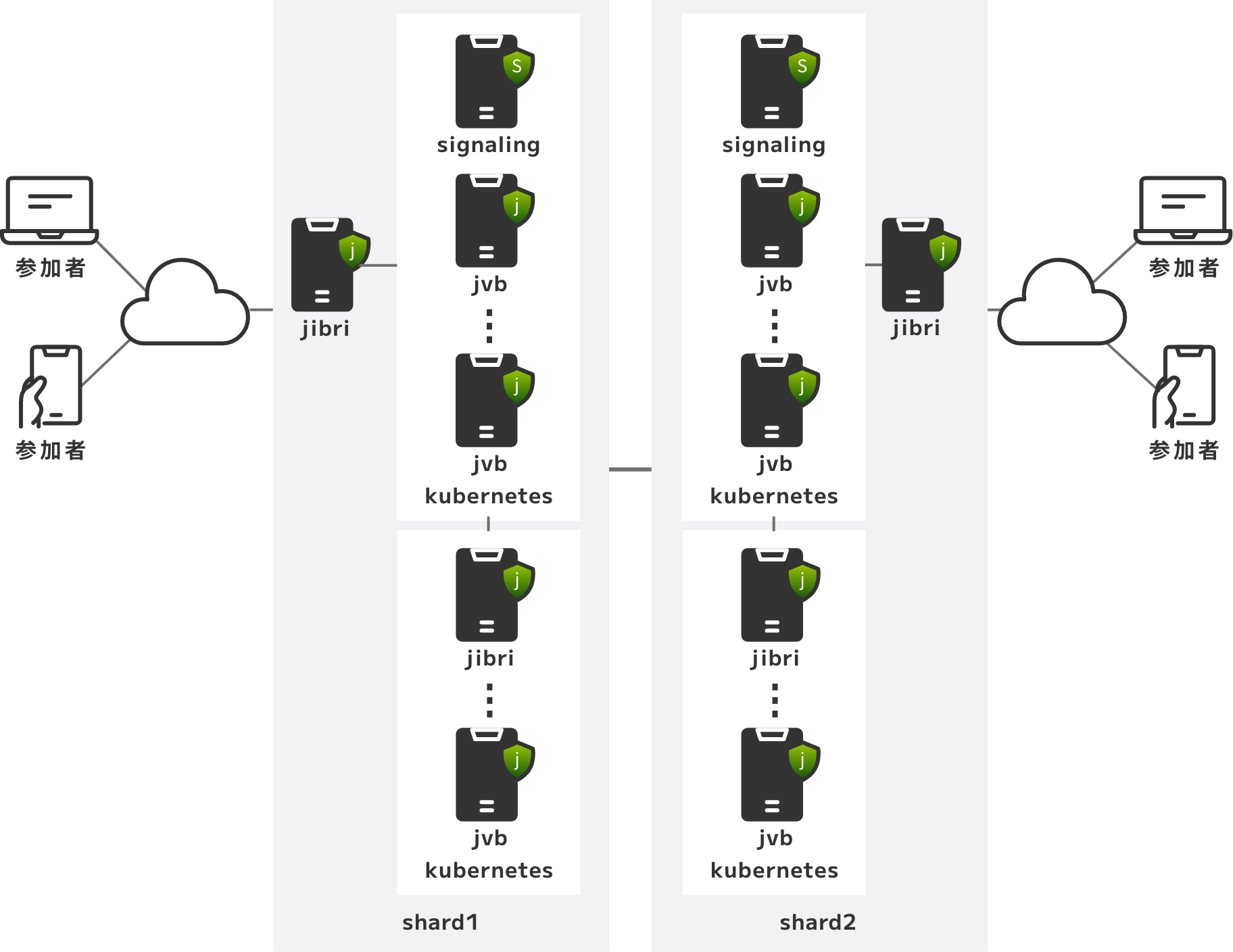
- Building a redundant, auto-scaling Jitsi environment
- Building a redundant, auto-scaling Janus environment
Strong points
01
The WebRTC server, application server, database and the rest are placed in the cloud to match the features needed
02
An auto-scaling environment lets the running size of the system flex with the number of users
03
Because we build from scratch, nothing unnecessary is deployed and the server build stays minimal
04
A minimal server configuration keeps running costs down
System configuration